Aigo Application: Streamlining Ticket Management
and AR-Assisted Workflow


The Aigo application integrates advanced ticket management and augmented reality (AR) to streamline issue resolution and enhance operational workflows. With AI-driven automation and real-time diagnostics, it ensures efficient task handling and improved productivity.

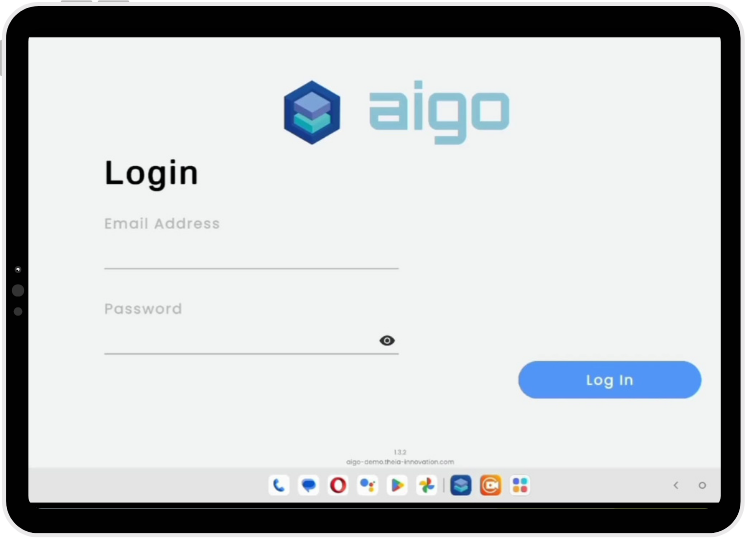
Login Process: Secure and Seamless Access

Field Engineers log into the AIGO app securely using their credentials, with a “Show Password” option for clarity. Error messages with HTTP codes assist in quick retries if login fails.

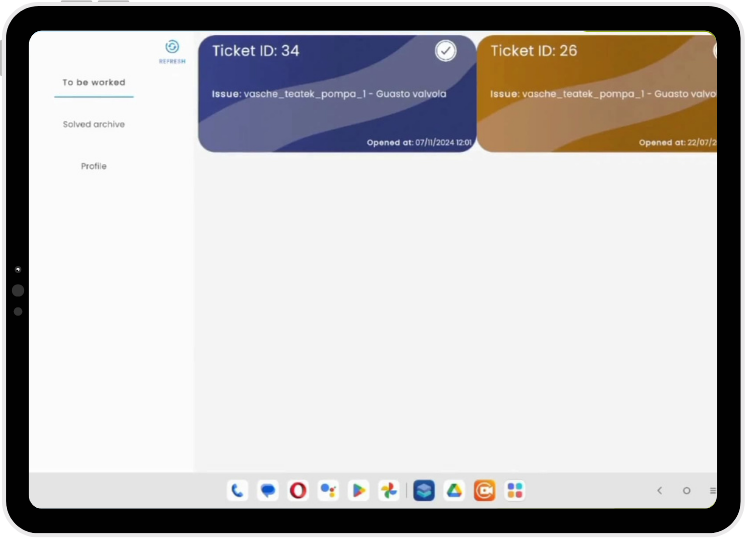
Efficient Ticket Management for Optimized Workflow

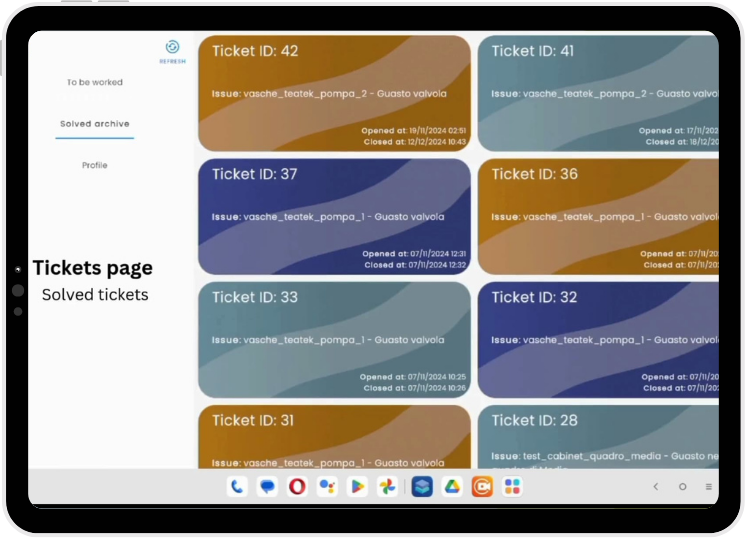
On the Tickets page, engineers can view categorized tickets—To Be Worked, Solved Archive, and Profile—with real-time updates available via the refresh button. If no tickets are present, a confirmation message informs the user.

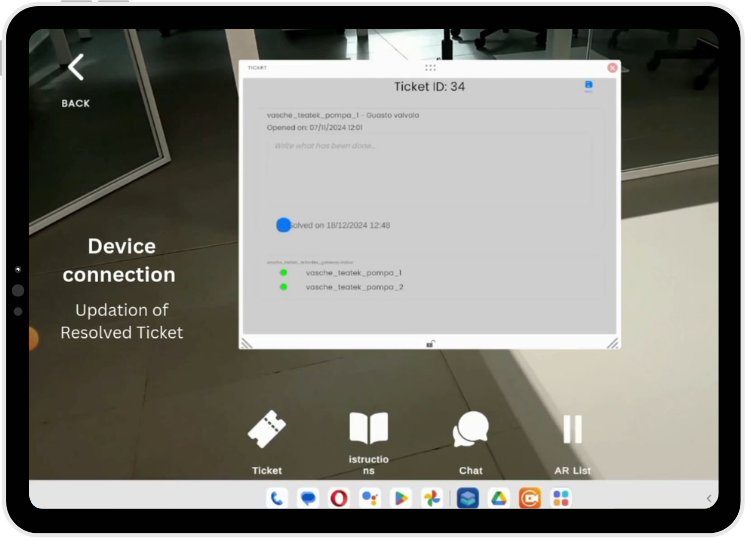
Detailed Ticket Information for Enhanced Decision-Making

From the main screen, engineers can access full ticket details—such as Ticket ID, device status, and resolution info. Fields like Solved Time and solution notes can be updated to ensure accurate tracking and documentation.

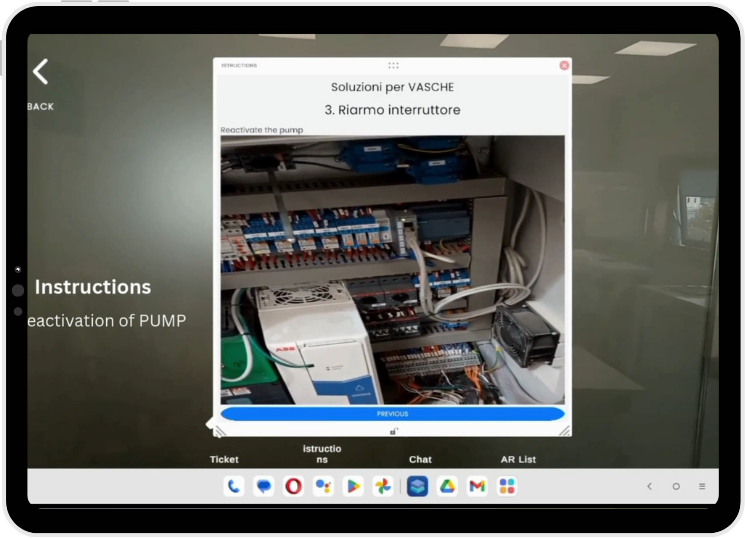
Workflows and Media Integration for Seamless Execution

Tap the instructions icon to access workflows with supporting media—images, videos, PDFs, and text. Media auto-adjusts for optimal display, and videos play smoothly within the app for uninterrupted guidance.

Advanced Virtual Assistance for Efficient Communication

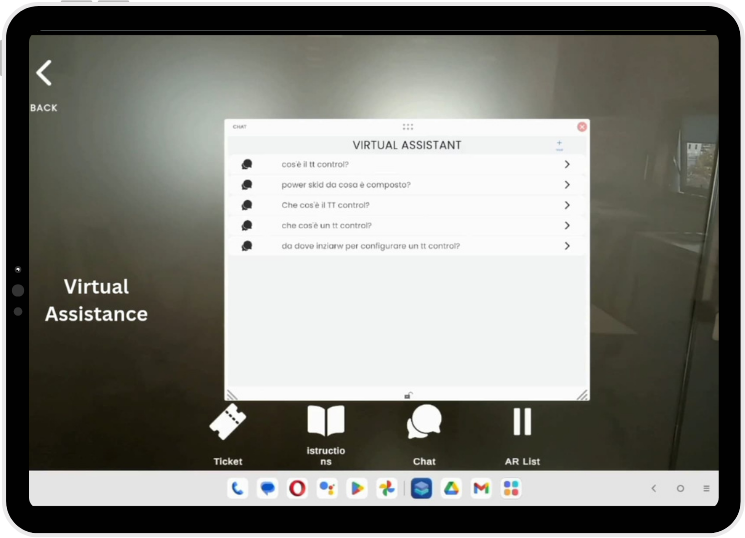
Activate the Virtual Assistant to manage live chats with a clear question-and-response layout. Use speech-to-text for hands-free input and receive instant, context-aware replies.

Augmented Reality Vision for Real-Time Device Diagnostics

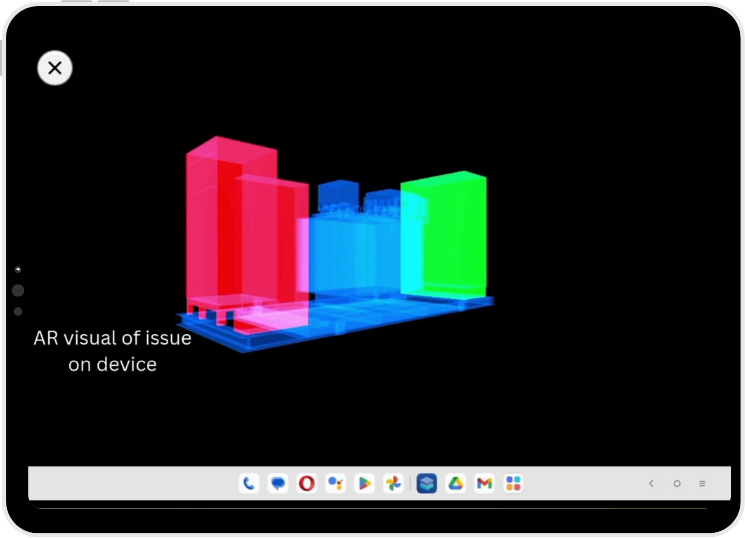
Use the camera from the main screen to scan device targets, triggering AR frames upon recognition. Digital twins are then rendered in the AR Results view, offering an immersive, real-time diagnostic experience.

Efficient Ticket Closure with Seamless Archiving

After task completion and solution application, mark the ticket as ‘Solved’ in the management interface. The ticket is then archived in the ‘Solved Archive’, ensuring proper documentation for future reference.